v1.0.0 · runs entirely on your Mac
Be present.
Recaply remembers the rest.
The meeting companion that records, transcribes, and summarizes — on your machine, by default. Your audio doesn't leave unless you say so.
Free · macOS 13+ · Apple Silicon & Intel · 142 MB
ON-DEVICE BY DEFAULTWHISPER LARGE-V3GOOGLE CALENDAR · READ-ONLYOPT-IN: OPENAI · CLAUDE · ASSEMBLYAIKEYS IN OS KEYCHAIN
FEATURES
Built for the meetings you keep forgetting
RECORD
One button. Everything else is automatic.
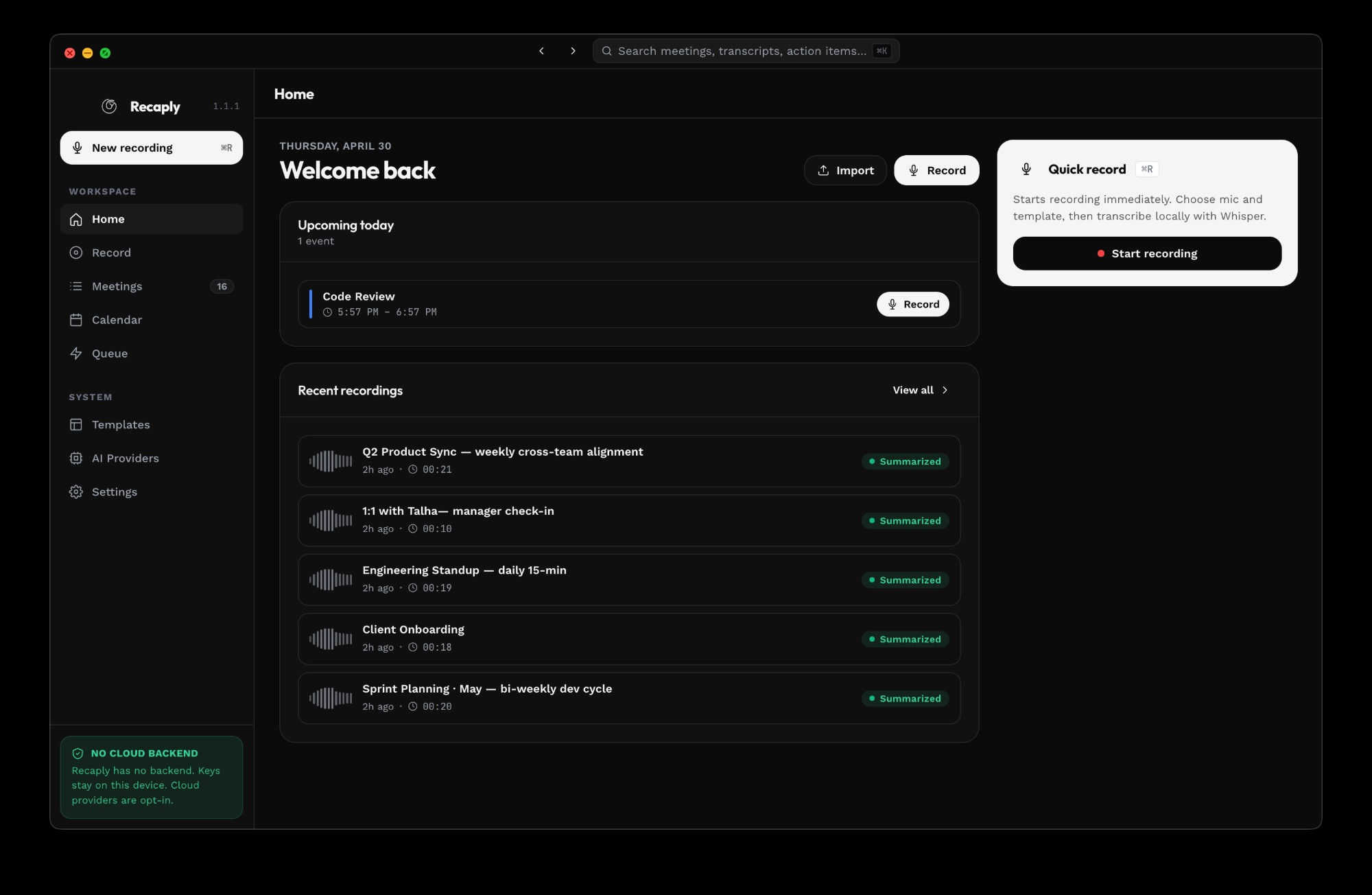
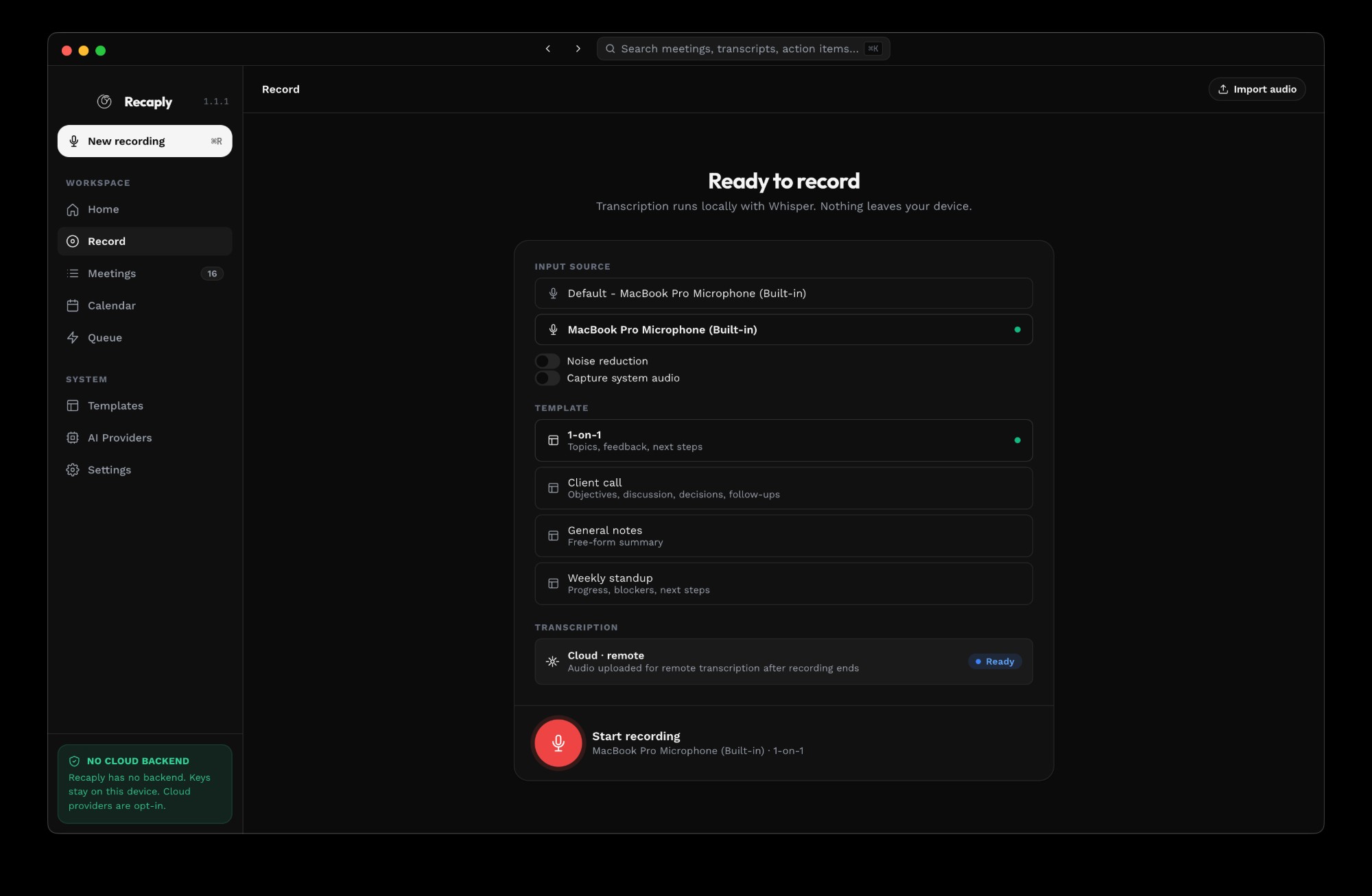
Press ⌘R or click the dot. Recaply captures input + system audio, transcribes as you talk, and links the recording to the calendar event you're in.
⌘RStart or stop recording from anywhere
⌘MMark a moment to revisit later
⌘JJot a quick note that lands in the summary
SUMMARIZE
Templates that fit how you actually work.
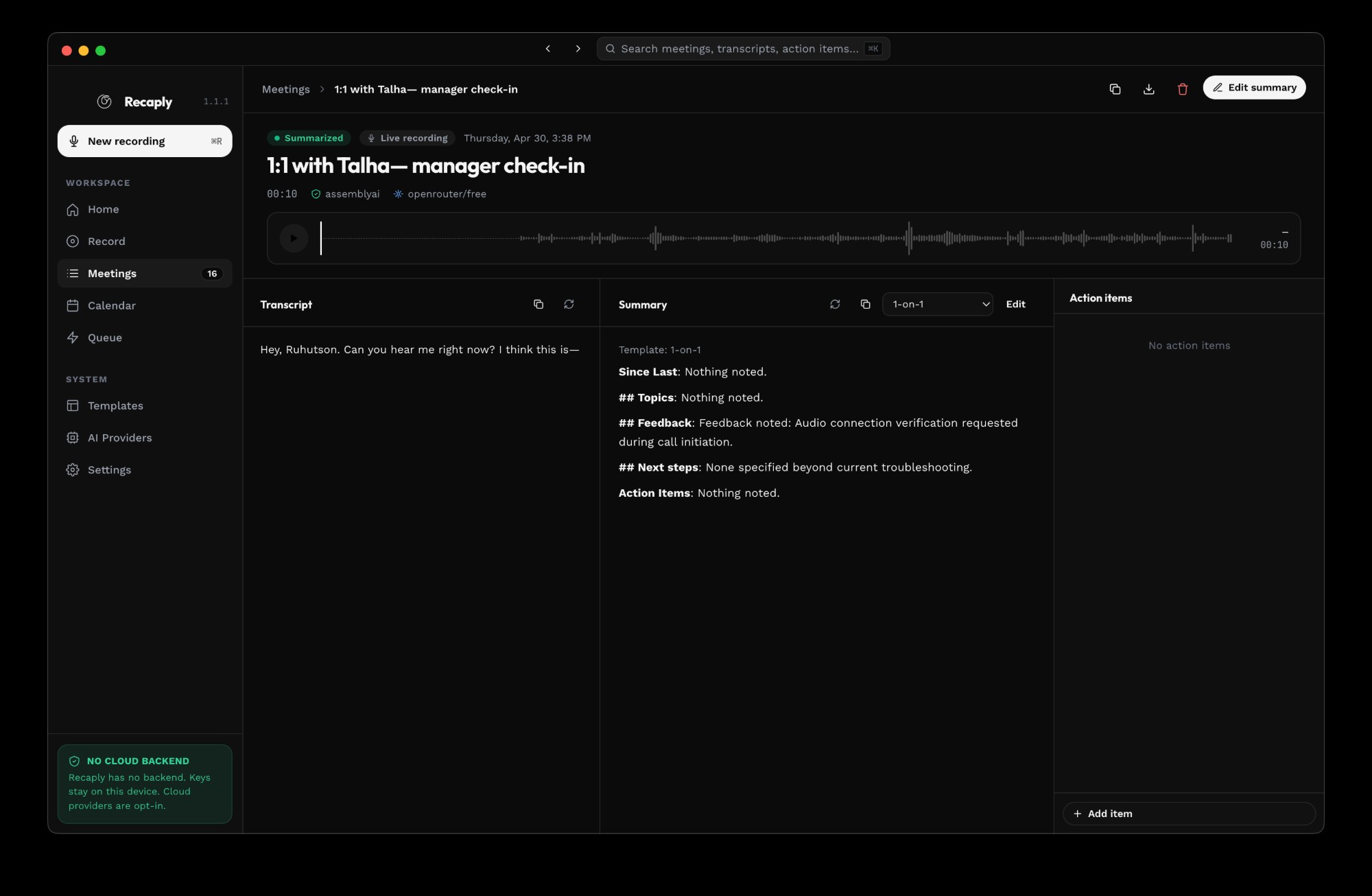
Decisions, action items, blockers, key quotes — pick the structure, Recaply fills it in. Summaries open in a real editor, not a read-only popup.
BUILT-IN TEMPLATES
Weekly standup1:1Client callHiring interviewInvestor updateRetrospectiveUser research
Privacy
No cloud backend. No upload. No exception.
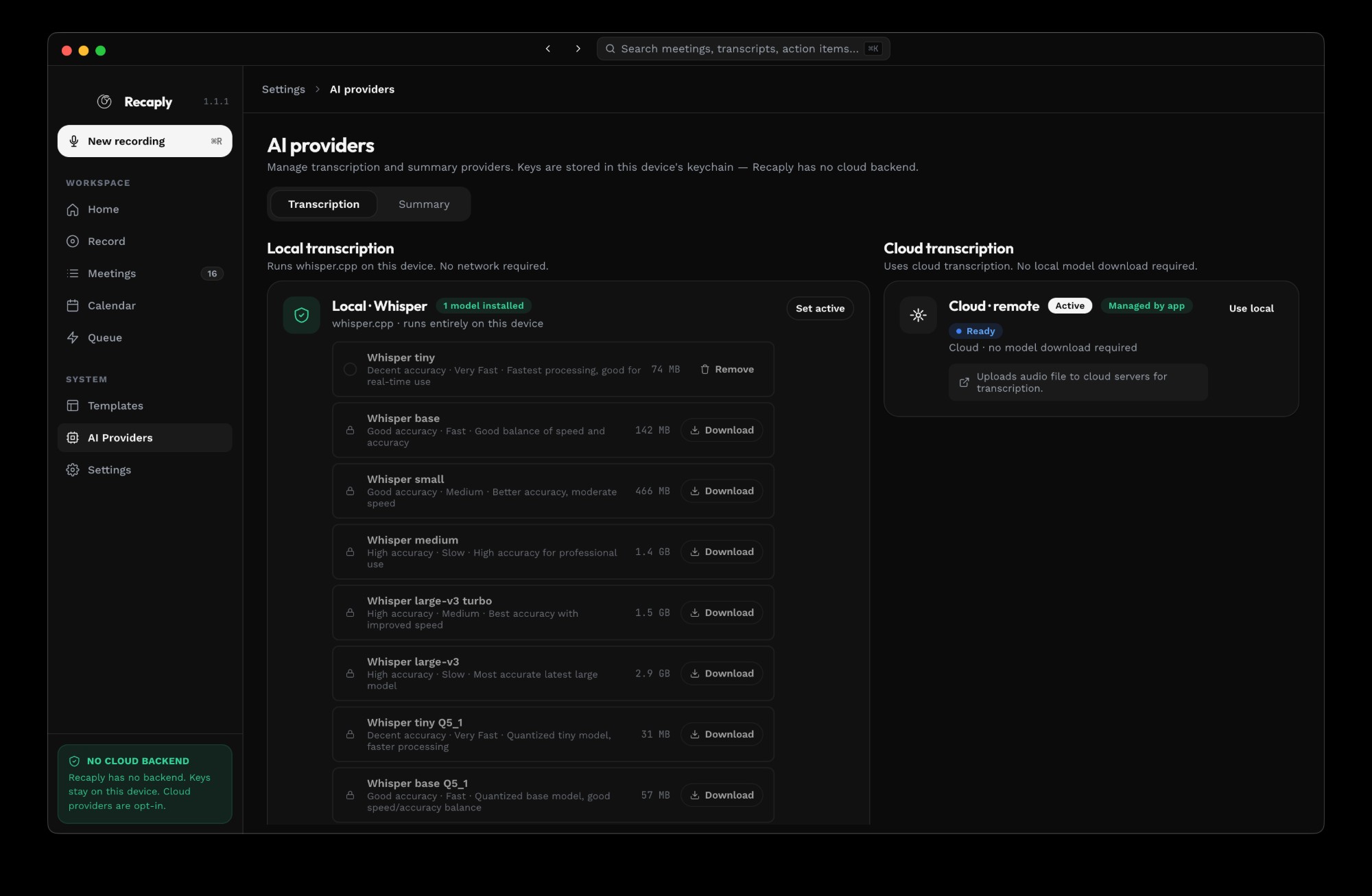
Recordings, transcripts, and summaries live in ~/Library/Recaply on your Mac. External AI providers are opt-in, per-meeting, and clearly badged.
✓Whisper transcription runs on your CPU/GPU. No upload.
✓OpenAI / Claude / AssemblyAI are opt-in for summaries.
✓API keys live in macOS Keychain. Never in the database.
✓Google Calendar access is read-only. Never written.
Your meetings,
remembered.
Free download. No account required to try. No telemetry on by default.